Journaling with Obsidian - Update

About five months ago, I made the decision to stop using DayOne for journaling and use Obsidian for journaling instead. It felt like a big decision at the time, as I had journaled in DayOne for over 14 years, amassing thousands of memories. I made the move to Obsidian not certain that Obsidian as a journaling platform would stick. But stick it has and I haven't once considered returning to DayOne.
The biggest reason I made this move away from DayOne was to get my journaling under my complete control; I didn't want to be dependent on a third-party app and I wanted my journaling files stored locally, fully under my control, and fully portable. I did not want my memories locked into a platform.
While Obsidian protects against all of these things, it also turns out that Obsidian is much better tool for journaling (for me, anyway). With its endless plugins and themes and now a much better, more transparent method for approving plugins and themes by the Obsidian developers, I can journal however I want. I am not locked into the structure of a specific app and its specific features.
My journaling continues within my daily notes and this has worked exceedingly well. I journal more now, because I am already in my daily note each day. I am more willing to write down fleeting thoughts and ideas in my Obsidian journal.
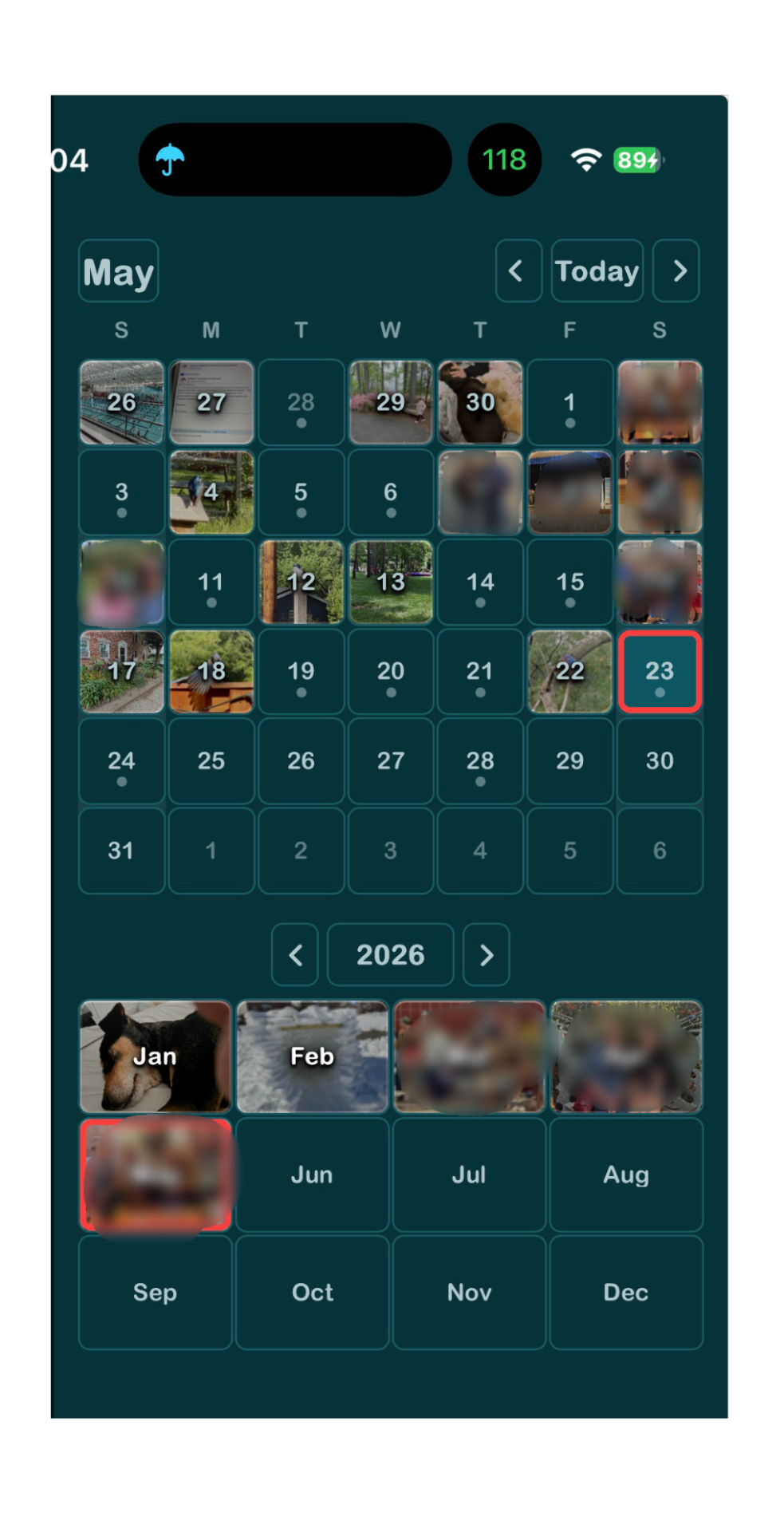
I use Notebook Navigator to display a nice calendar of my entries and navigate between entries. The developer of Notebook Navigator has done an amazing job with this plugin.

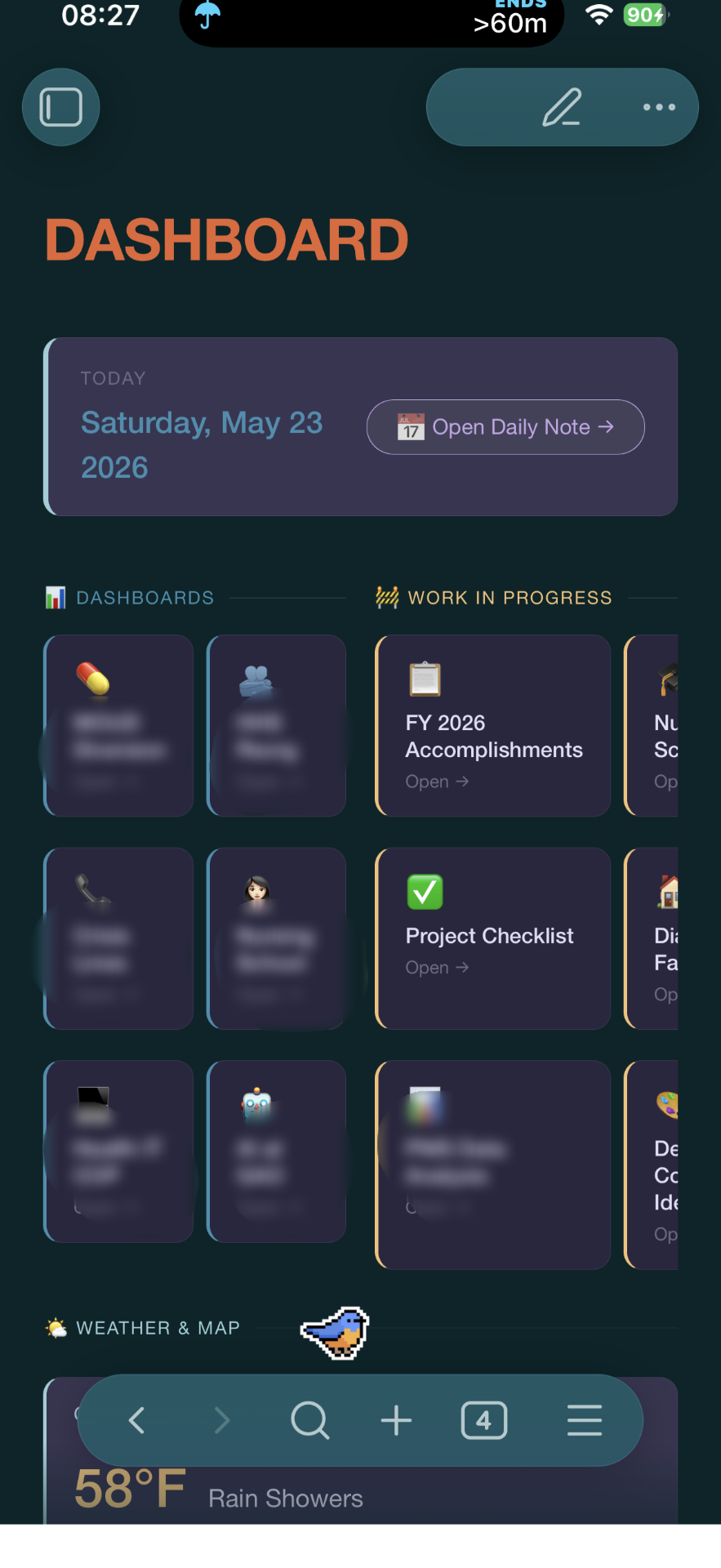
With the help of Claude, I designed a home dashboard that displays my current journal entry and all the things I'm working on in a more anesthetically pleasing way on all my devices.

I continue to be very happy with these move and don't foresee making any changes to this setup for the foreseeable future.
My Essential Journaling Plugins
Map View - can display a nice little map
Daily Note (core plugin) - this core plugin is necessary and it is needed for Notebook Navigator to work properly.
Templater - I have a template for my daily notes that includes a "journaling" section. Templater makes setting this up every day very easy.
Journaling - this plugin displays all journal entries in one note. It's not really necessary, but sometimes fun to scroll through.
Commander - I use this to customize my toolbar on mobile. Very helpful for journaling or really doing anything in Obsidian on mobile.
Natural Language Dates - simple plugin that makes it easy
Pocket Bird (OK, this has absolutely nothing to do with journaling, but it's my favorite plugin at the moment and it needs to be shared with the world)
Noctis Family (theme) - one of my favorite themes lately. Like all my preferred themes, it has themes within a theme, so you can easily change the appearance